KORE
A downloadable game for Windows
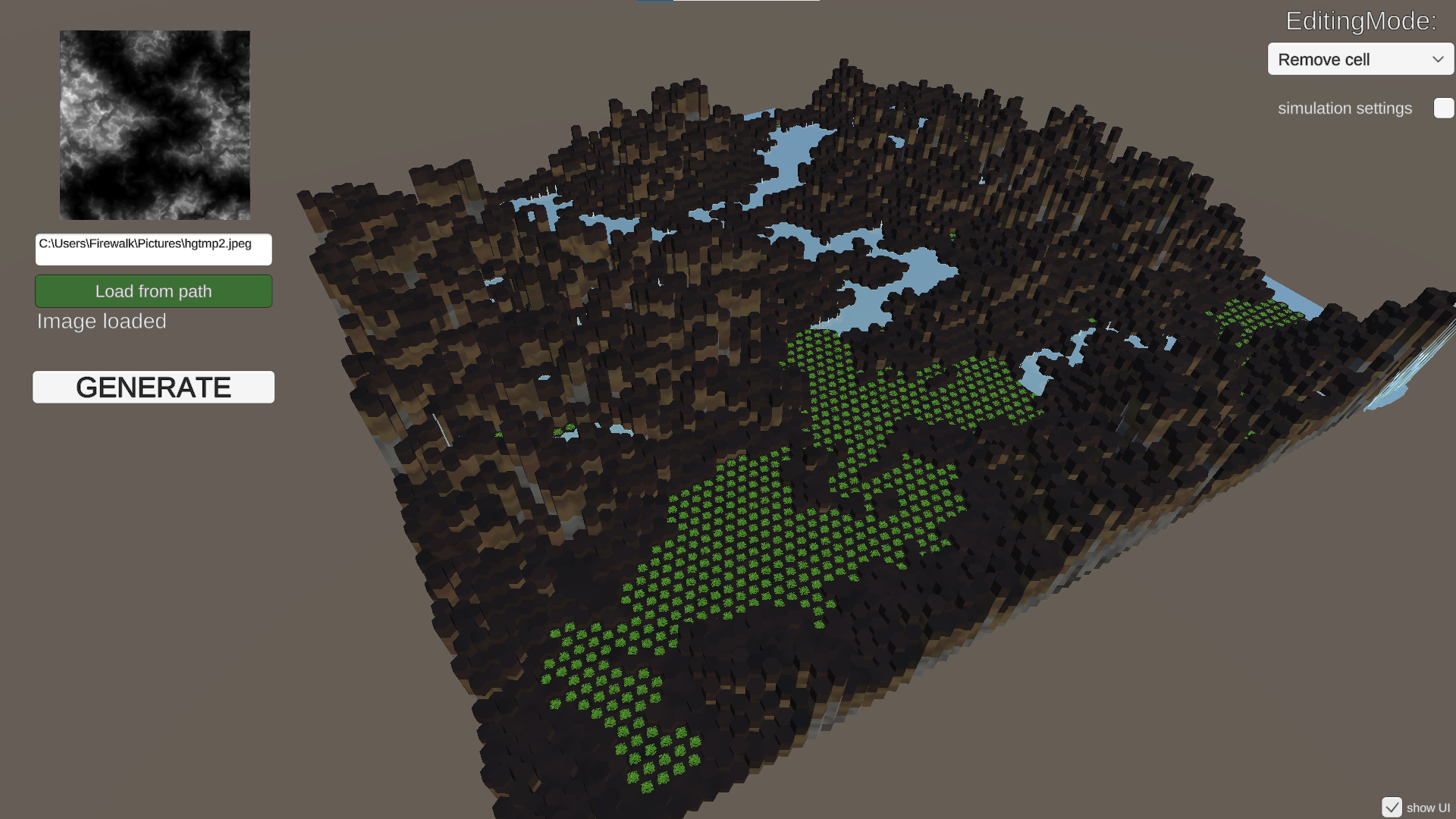
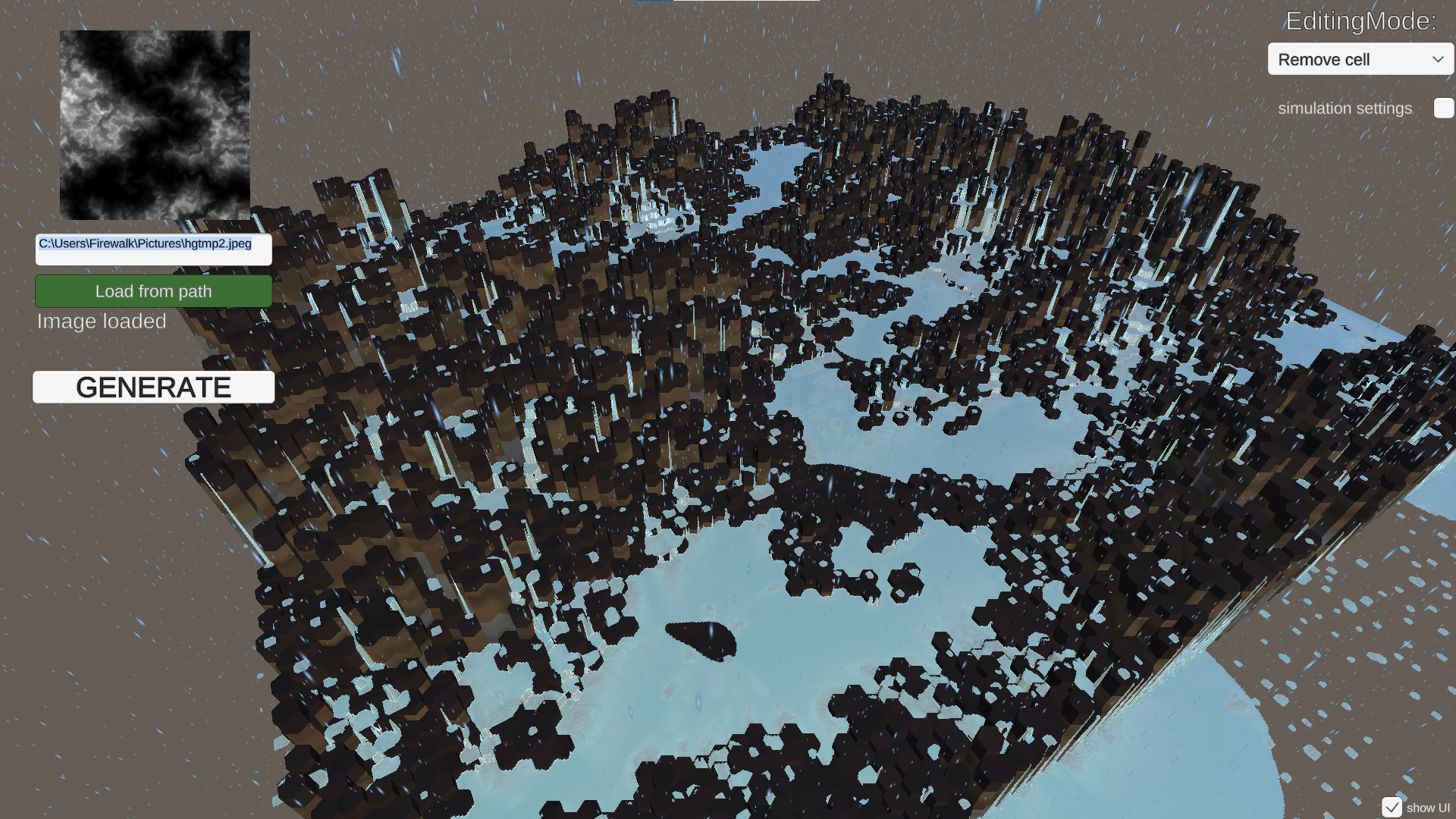
Third iteration of ecosystem simulation for KORE project. This particular version is first with water added and first build after DOTS integration.
for more information, please visit the devlog: https://itch.io/dashboard/game/3314631/devlog
In this demo, you still can:
-remove and add cells (top left corner is edit mode selection)
- move around with WASD and mouse (Shift to accelerate)
- upload your own heightmap from disk using full path
What's added:
- preloaded heightmap
- Interactive water simulation (Frenzy Byte https://assetstore.unity.com/packages/vfx/shaders/fluid-frenzy-273366)
- pioneer plants growth and death based on accumulated water value
- simulation controls, including time skip
For heightmap uploading:
- use FULL path, like C:\Users\Firewalk\Pictures\hgtmp1.png
- no quotation marks around the path
- add the format of the selected file in the end, like .jpeg
In the dowloads section of this page you can find 2 examples of heightmaps from open sources.
Camera controls:
Mouse + WASD + SHIFT for acceleration. Mouse click for terraforming
Special thanks to https://frenzy-byte.itch.io/ for documenting API and open communication about their product.
Disclosure: decorative art on this page is AI-supported.
Share your thoughts and observations in the comments please!
Download
Development log
- DOTS, water, and a nameAug 02, 2025
- Second iterationMar 03, 2025
- First biomes!Feb 27, 2025
- First public buildFeb 09, 2025
Comments
Log in with itch.io to leave a comment.
thats a pretty cool tool :o
thanks!
Your game starts at "57:52" in the video
Sorry, I couldn’t quite grasp the mechanics. A short tutorial or instructions would make it easier to understand.
Thanks for trying it out! You did everything right, just playing with the values to see what's changing. This is not a "game" yet, just a first brick for building it / a prototype :) Thanks for the advice, I will add more info on the next iteration.
Waiting for next update. Do Let me know. I will upload this on my channel.
Hey, I just updated today. No build for WebGL though, now fullscreen too. Please read the description, there are all the instructions about how to use it!
Hey, another update today :)